




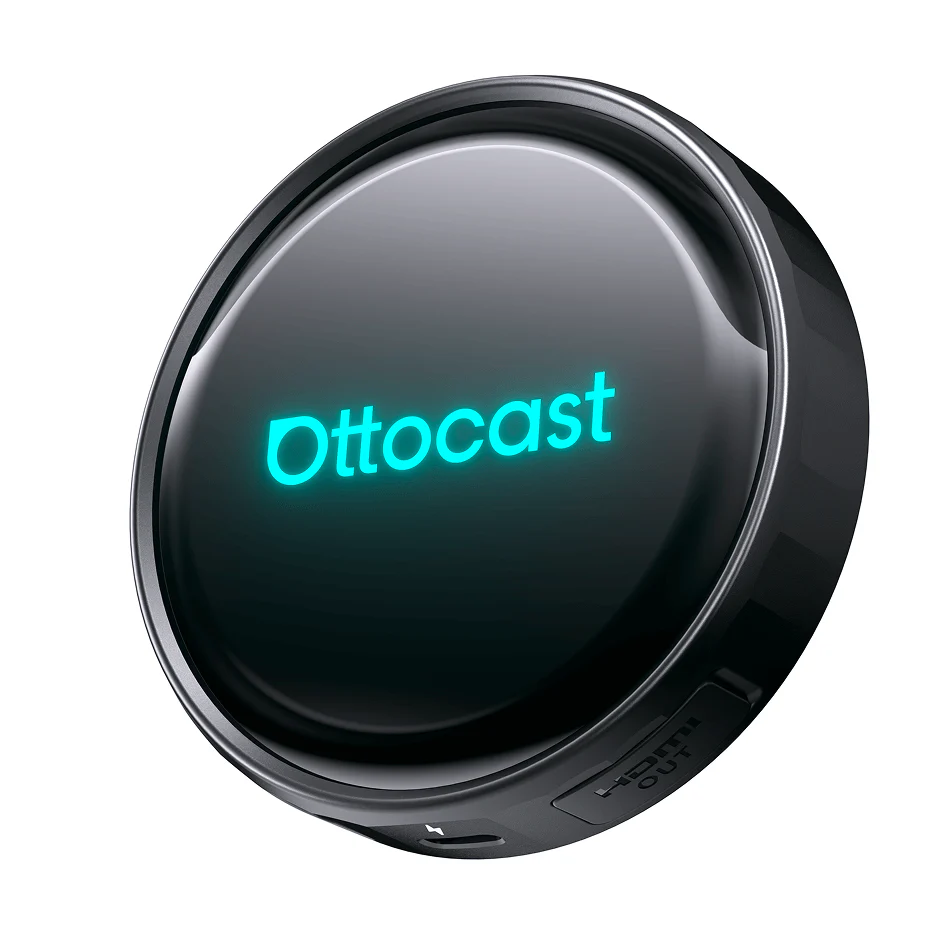
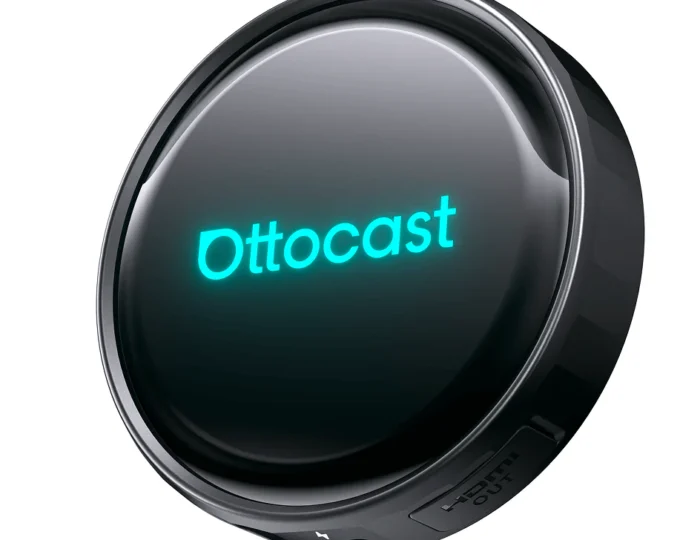
Drivers who rely on their phones for maps, calls, music, and entertainment often want a smoother way to connect inside the car. Ottocast offers wireless CarPlay adapters, Android Auto adapters, AI boxes, and multimedia devices designed to make factory car screens more useful without replacing the whole infotainment system.
Keypoints
- The brand focuses on wireless car connectivity and smart infotainment upgrades.
- Products can help reduce cable clutter inside the vehicle.
- Wireless CarPlay and Android Auto adapters support easier phone access.
- AI boxes and multimedia adapters can add more entertainment features.
- Compatibility should be checked before choosing any device.
A Practical Brand for Modern Car Connectivity
Many drivers use their car screen every day, but the experience can feel limited when a phone has to stay plugged in for navigation, calls, or music. Ottocast builds products for people who want a cleaner and more convenient connection between their phone and vehicle display.
The brand is especially useful for cars that already include wired CarPlay or wired Android Auto. With the right adapter, the system can become wireless, which means the phone can stay in a pocket, bag, or charging mount while the screen still shows maps, music, contacts, and supported apps. This makes short trips, commutes, errands, and school runs feel more seamless.
The products also appeal to drivers who want more from a factory screen. Some AI boxes and multimedia adapters add app-based features, media playback, and extra display options, depending on the model and vehicle. This can make the car more enjoyable for passengers during parked moments, family waiting time, or long travel breaks.

Product Range That Makes Driving Easier
The most popular product type from Ottocast is the wireless CarPlay adapter. It is designed for iPhone users who already have wired CarPlay and want the same core experience without connecting a cable each time. Once paired, the adapter can help the phone connect automatically when the vehicle starts.
Wireless Android Auto adapters serve Android users in a similar way. They support easier access to Google Maps, music apps, phone calls, and voice control through the vehicle screen. For households where both iPhone and Android users drive the same car, a 2-in-1 adapter can be a better option because it offers broader flexibility.
AI boxes sit in a more advanced category. These devices can bring an Android-style interface to compatible car screens and may support apps, media, navigation, and extra entertainment options. Drivers should always use these features responsibly and avoid watching video content while driving. The safest use is when the vehicle is parked or when passengers are using entertainment features appropriately.
Helpful Features for Drivers and Passengers
- Wireless CarPlay adapters help iPhone users connect without plugging in.
- Wireless Android Auto adapters make Android phone access more convenient.
- 2-in-1 devices suit shared cars with both iPhone and Android users.
- AI boxes can expand app and media options on compatible screens.
- Compact adapters reduce visible cable mess around the dashboard.
- Multimedia devices can improve entertainment during parked travel breaks.
Pros and Cons
One clear benefit of Ottocast is convenience. Drivers can avoid repeatedly connecting and disconnecting a cable while still using key phone functions through the car display. This is helpful for people who drive several times a day or make frequent short stops.
Another advantage is the cleaner cabin experience. A wireless setup can reduce cable clutter near the console and make the dashboard feel more organized. This small change can make a vehicle feel more current, especially if the factory infotainment system is useful but not fully wireless.
The variety of products is also a plus. Some drivers only need a simple adapter, while others may want an AI box with more features. This range makes it easier to choose a device based on budget, phone type, vehicle compatibility, and entertainment needs.
The main drawback is compatibility. Not every product works with every car, and many devices require existing wired CarPlay or Android Auto. Buyers should check the vehicle model, phone system, connection port, and product details before purchasing. Some advanced features may also depend on internet access, hotspot use, app support, or firmware updates.

Choosing the Best Ottocast Device
Before choosing an Ottocast product, drivers should first identify what they actually want to improve. If the main goal is removing cables, a wireless CarPlay or Android Auto adapter may be enough. If the car is shared by different phone users, a 2-in-1 adapter may be more practical.
For families, frequent travelers, or people who spend time waiting in the car, an AI box or multimedia adapter may offer more value. These products can support extra entertainment and app features, depending on compatibility. They are especially useful when passengers need something to watch or use while the vehicle is parked.
Drivers should also consider setup simplicity. A good device should connect reliably, fit neatly in the car, and not distract from the road. Checking customer guidance, compatibility lists, and product specifications can help avoid disappointment and make the upgrade feel worthwhile.
Final Thoughts
Ottocast is a useful choice for drivers who want to modernize their existing car screen with wireless connectivity and smarter media features. Its wireless CarPlay adapters, Android Auto adapters, AI boxes, and multimedia devices help make daily driving more convenient, organized, and enjoyable.